

How to run a hybrid event that works for the room and the screen
A hybrid event serves two audiences at once. Here is how to plan the programme, the camera and the chat so neither group feels like an afterthought.
The Seat & Stage team · · 4 min read
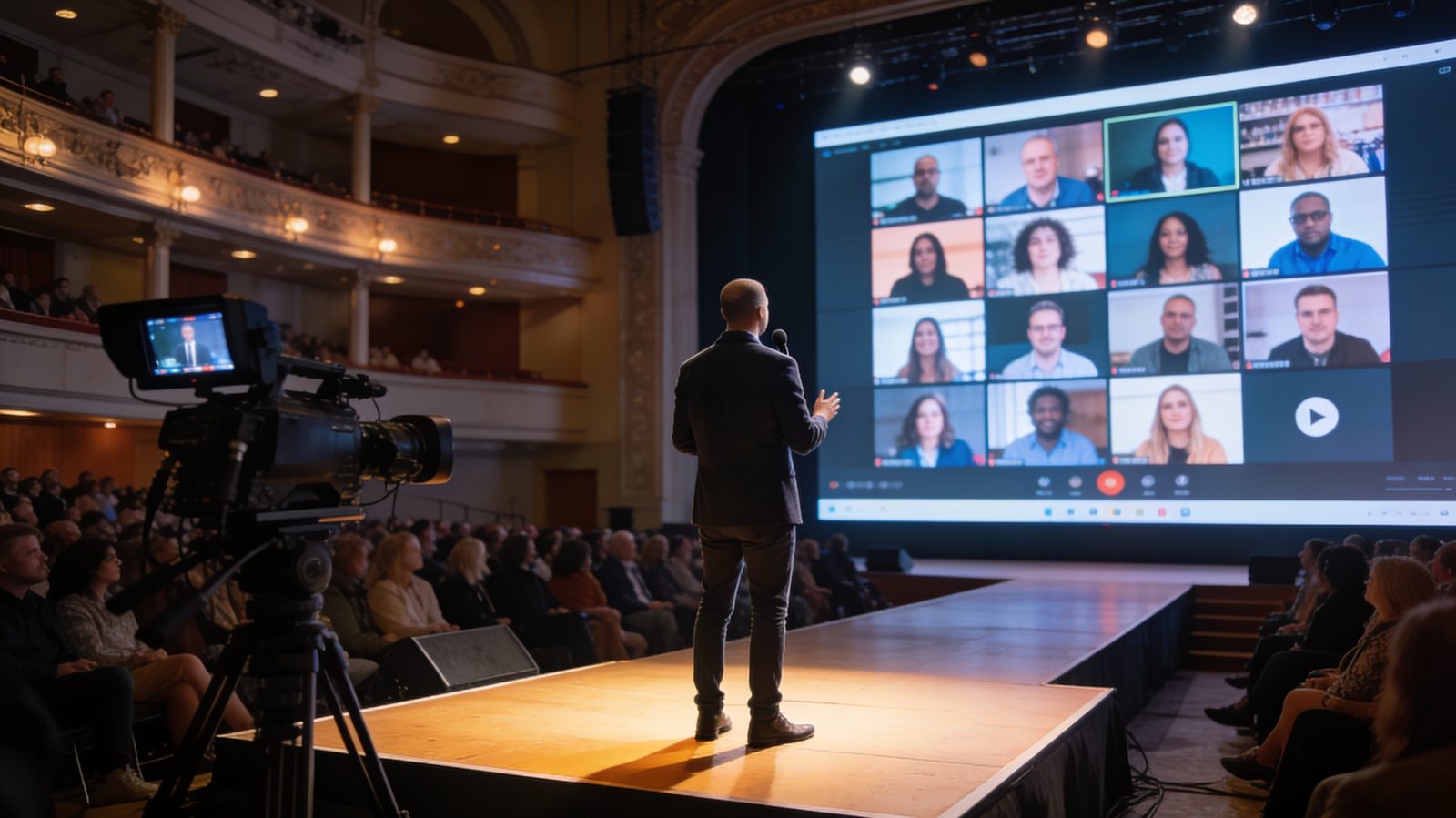
Hybrid events fail in a predictable way. The room gets a great event, the online audience gets a distant stream, and nobody is quite sure whose event it was. Planning for both audiences from the start fixes most of it.
Decide who the event is for
You have two audiences with different needs:
- In the room: they came for energy, people and the things you cannot get online.
- Online: they came for the content, and for access they could not otherwise have.
Write one sentence for each: what does this group get that makes them glad they joined? If you cannot say it for the online audience, that group will probably be watching a recording of the room.
Build the programme for the camera
A speaker who works well on stage may be hard to follow on a screen. Small changes help:
- Shorter sessions. People online tire faster than people in a seat. Keep sessions to 30 or 40 minutes with a break between.
- Slides that work on a phone. Large type, few words.
- A host for the online audience. One person whose only job is to read questions, bring in remote speakers and speak to the camera.
- Moments for both. A poll or a question that both audiences answer, with the results shown on the stage screen.
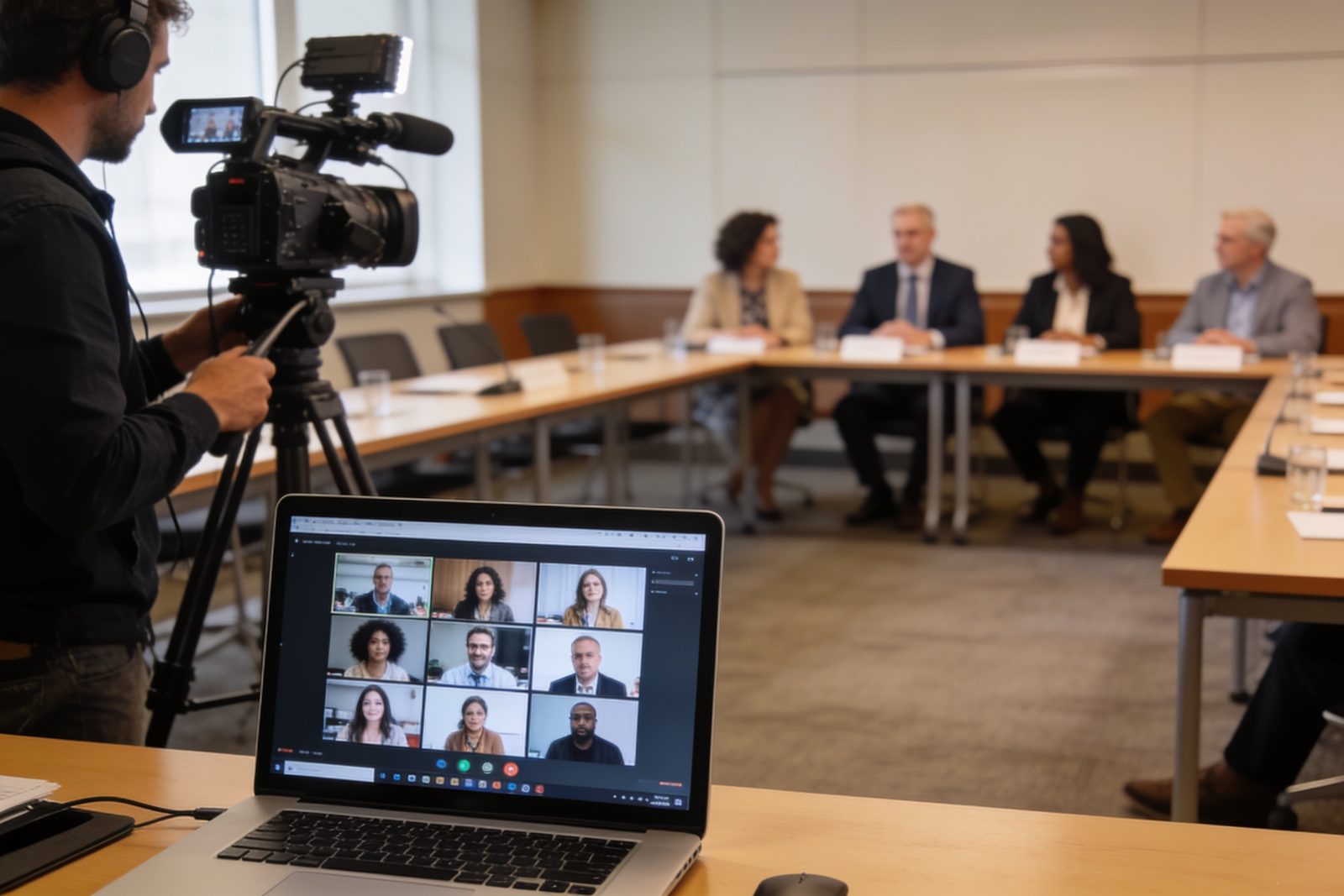
Treat the camera as a second venue
You need a proper video feed from the room, not a phone on a tripod. At minimum:
- one camera on the speaker and one on the slides, or a slide feed straight from the presenter's laptop
- a clean audio feed from the room's mixer, not the room's microphone
- a person to cut between them, even if it is the same person who hosts
With a built-in studio, you can bring the venue's video in, add scenes, lower thirds and countdowns, and put the result on a stage that streams to large audiences. See the broadcast studio for how a session is produced from the browser.
Give remote speakers the same status
If a speaker is joining remotely, test them before the day. Check their camera, microphone, light and connection. Give them a green room where they can wait and talk to your team, and a clear cue for when they go on air. A remote speaker who sees a blank screen at the wrong moment will not recover well.
Make the online audience part of the room
The best hybrid events let the two audiences meet:
- a single question stream that the host reads from, whatever the source
- a chat that is moderated and visible to both
- a virtual space where online attendees can find sponsors and each other, and see who else is here, in the virtual venue
- one-to-one meetings that can be booked across both groups
Do not let the online chat turn into a back channel that the room never sees.
Plan the technology day, not the technology
Run a full rehearsal in the venue with the same network, the same laptops and the same people. Time how long it takes to switch between speakers. Have a backup plan for the three most likely failures: the network, a remote speaker's connection and the slide laptop.
Sell the right tickets
Price the two experiences differently, but make both feel valuable. Include recordings and chat with the online ticket. Make the in-person ticket about what only the room can give: the people, the food, the exhibition floor. A hybrid ticket that includes both, for a team, is often the best value.
After the event
Both audiences should get the same follow-up: the recordings, the slides and a short survey. Compare their feedback separately. Scores from the online audience tell you whether the stream was good enough, and often reveal problems the room never noticed.
A short checklist
- Write what each audience gets.
- Shorten sessions and design slides for small screens.
- Hire or assign a host for the online audience.
- Use a proper camera and audio feed, not a phone.
- Test remote speakers before the day.
- Rehearse the whole production in the venue.
- Follow up with both audiences.