

Event check-in without the queue: a practical guide
How to get hundreds of people through the door quickly: QR codes, self-service kiosks, badge printing, staffing and what to do when something goes wrong.
The Seat & Stage team · · 4 min read
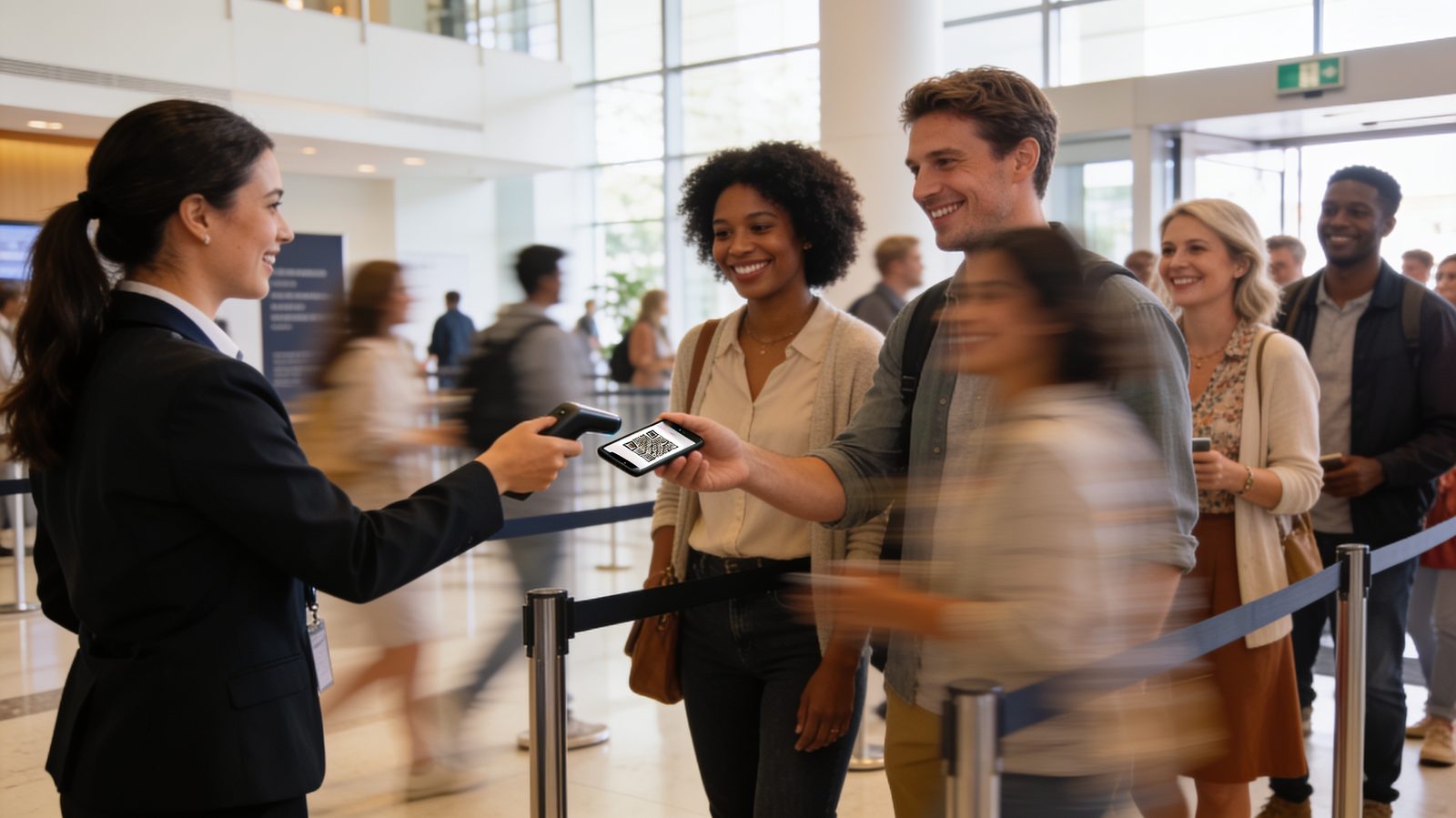
Check-in is the first thing every attendee does and the part they remember longest if it goes wrong. A slow queue sets a bad tone before the first session starts. The fix is not more staff. It is a better flow.
Do the work before the day
Most of a queue is people being identified. Remove that work in advance:
- Send every registered person a confirmation with a QR code and a clear "bring this" instruction. Include it as a wallet pass if you can, so it is on their phone's lock screen.
- Ask for the information you need at registration, such as name as it should appear on the badge, company and any access needs.
- Send a reminder two days before with the venue address, doors-open time, the entrance to use and what to expect.
The more people arrive with their code ready, the shorter your queue.
Design the entrance as a flow
Think of the entrance as a pipeline with three steps: identify, badge, go in. Give each step its own space so people do not block each other.
- Fast lane. People with a QR code go straight to a scanner or kiosk. This should be most attendees.
- Help desk. People who forgot a code or need a change go to a separate desk. Never make them wait behind the fast lane.
- Badge pick-up. If badges are printed on the spot, print them as the scan happens so the badge is ready when the person reaches the front.
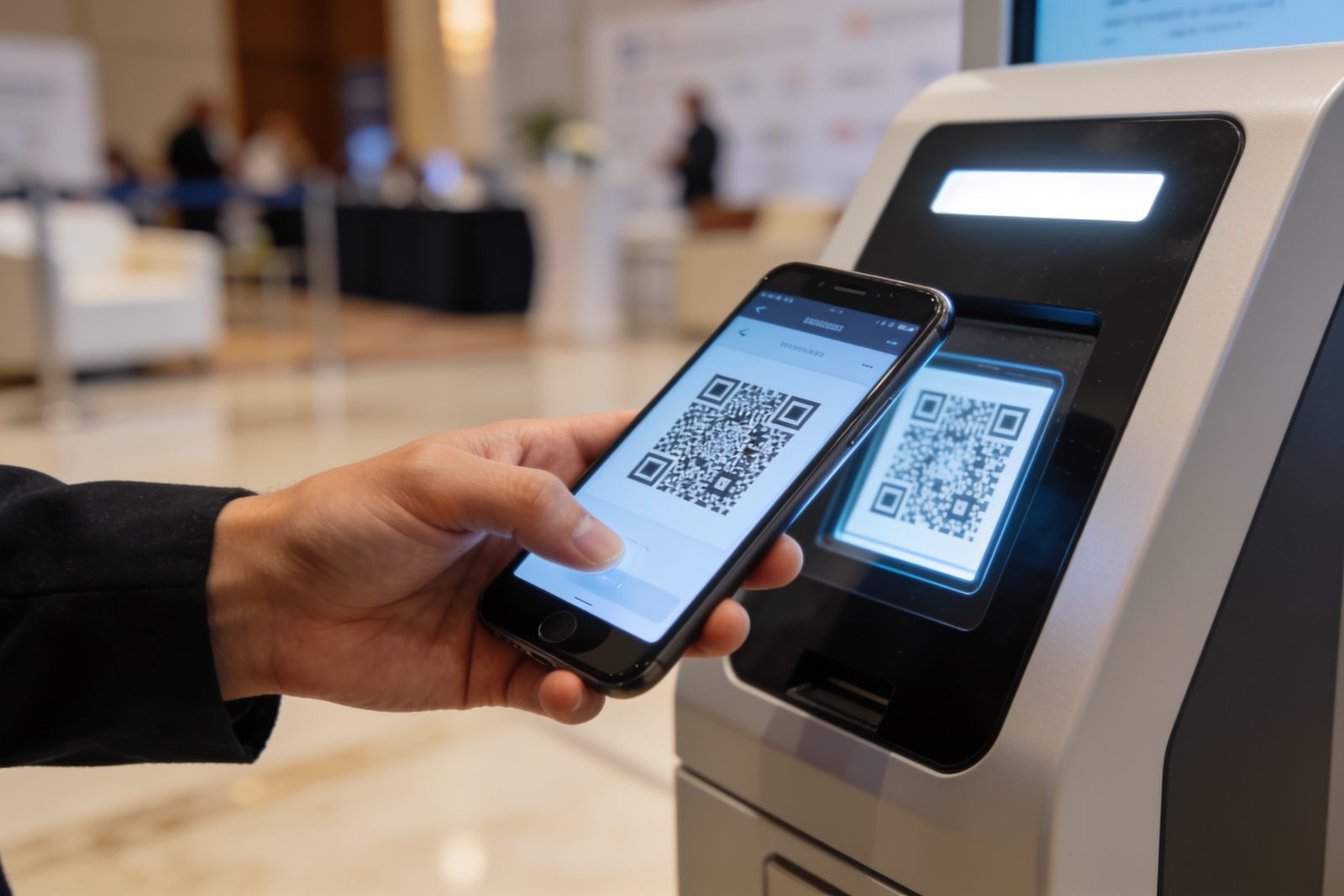
Self-service kiosks
Kiosks let attendees check themselves in, which frees your staff to help the people who need it. Put them where people naturally flow, with a greeter next to them to point newcomers to the right place. Check that each kiosk has power, a network and a spare printer roll before doors open.
Badge printing
Printed badges are where queues form. A few habits keep them moving:
- Use pre-printed stock with the layout already set, so only the name and details print.
- Print in the order people are scanned, not in batches.
- Keep spare ribbon, paper and a second printer. Check them the night before.
- Offer a "no badge needed" lane for people who can use a digital badge on their phone.
Our badge printing guide has the full list.
Staffing
A simple rule works for a first event: one scanner or kiosk for every 150 people arriving in the busiest half hour. Add one greeter per entrance and one person who solves problems. Brief them on the three most common questions: where do I go if I do not have a code, how do I change my name on my badge, and where is the session I want?
Train volunteers with a practice scan. A person who has done it three times is much faster than one who is learning at the door.
Check-in is also a data moment
Every scan tells you who has arrived and when. Use it:
- Watch the arrival curve to see when the peak is, so you can move staff.
- Compare check-ins with registrations to understand your no-show rate.
- Scan again at each session door if you need attendance for each talk or certificates.
All of this can be shown live in the onsite check-in tools on the day.
Prepare for when it goes wrong
Three things go wrong at check-in, often at the worst moment:
- The network drops. Use an app that can scan offline and sync later, and keep a printed list as a last resort.
- A scanner fails. Have a spare, or use phones as scanners.
- A VIP arrives and is not on the list. Have a rule for who can add people, and a way to do it in seconds.
After the doors close
Once the queue is gone, do a quick review. How long did people wait at the peak? Which lane was busiest? What did staff have to explain over and over? Write it down for next time. The best check-in is one that nobody remembers.